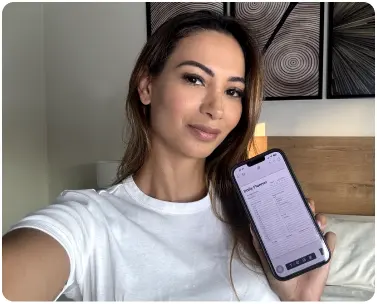
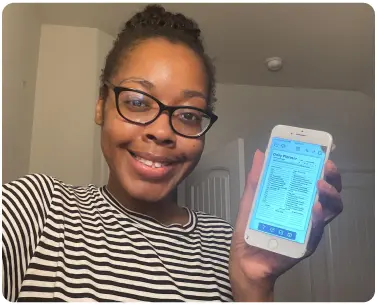
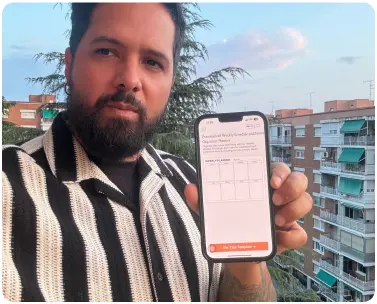
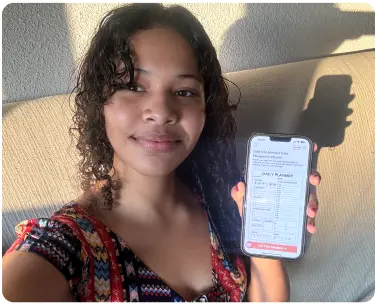
Join the community of users who have transformed their lives with PlanWiz. Will You Be Next?
Why Busy Professionals Choose Digital Planner Templates?
Busy professionals often struggle to manage multiple projects, deadlines, and meetings. Digital planner templates offer an efficient solution for organising tasks, setting priorities, and tracking progress all in one place. With features like daily task lists, project timelines, and calendar integrations, these templates enable professionals to keep everything in sync without the hassle of paper planners.
For professionals on the go, a digital planner is an invaluable tool that allows for real-time updates and accessibility across devices. These templates help busy professionals stay focused, meet deadlines, and balance work-life demands, ultimately enhancing productivity. By using a digital planner, they can seamlessly integrate planning into their daily routine and gain clarity on both short- and long-term goals.
Digital Planner Templates for Every Goal, Routine, and Lifestyle
No two lives run on the same schedule. Whether you are a student, a parent, or a freelancer, your planning needs are uniquely yours. Digital planner templates are designed to match real-life situations, not force you into a rigid format built for someone else.
The Overwhelmed Student: Assignment deadlines and exam schedules rarely stay organised in a basic notes app. A digital planning template gives students one dedicated space so energy goes into studying, not remembering what is due next.
The Busy Parent: Family calendars, meal plans, and appointments do not organise themselves. A flexible digital agenda template gives every responsibility its own space while keeping the full picture visible at a glance.
The Freelancer or Solopreneur: Client projects and deadlines live in completely different headspaces. Digital planning templates with flexible layouts replace scattered tools with one organised system.
The Person Who Has Tried Everything Else: If sticky notes and paper notebooks have failed, not from lack of discipline but lack of structure, a digital planner template is the system that finally sticks.
How to Start Using Digital Planner Templates Without Wasting Time on Setup?
The biggest reason people abandon planning systems is setup time. They spend more energy building the planner than actually using it. Digital planning templates eliminate that problem. The structure is ready the moment you open it.
Step 1: Choose Based on Your Biggest Pain Point. Chaotic mornings? Pick a daily layout. Overwhelming week? A weekly digital planning template gives you the full picture view. Always choose based on the problem you are solving, not on what looks appealing.
Step 2: Customize in Under Five Minutes. Rename sections, remove what does not apply, and add what fits your routine. No design experience needed; the structure is already built for you.
Step 3: Transfer Everything Scattered Into One Place. Do not wait for Monday. Move every task from your notes app, every goal in your head, and every reminder on your phone into your digital planner today. One place, nothing lost.
Step 4: Build a Daily Check-In Habit. Two minutes each morning to review priorities and two minutes each evening to carry tasks forward is all it takes to turn a digital planner template into a working system.
Step 5: Access Across All Your Devices. Your digital planning template goes wherever you go: phone, tablet, laptop. Pick up exactly where you left off, anytime.
Frequently Asked Questions
Q-1. Can digital planner templates help with long-term goal tracking? Absolutely. Beyond daily tasks, digital planner templates include sections for monthly and yearly goal setting, helping you connect what you do today with where you want to be long term.
Q-2. Can I share my digital planner template with someone else? Yes. Digital planning templates can be shared with a partner, teammate, or family member, making it easy to coordinate schedules, split responsibilities, and stay aligned without back-and-forth messages.
Q-3. How often should I update my digital planner? Ideally, every day. A quick two-minute morning check-in to set priorities and a two-minute evening review to carry unfinished tasks forward is all it takes. Weekly reviews help you zoom out and adjust your bigger goals.
Q-4. Which template should a first-time user start with? Start with a daily layout easiest to build a habit around. Once consistent, move to a weekly or goal-based digital agenda template.