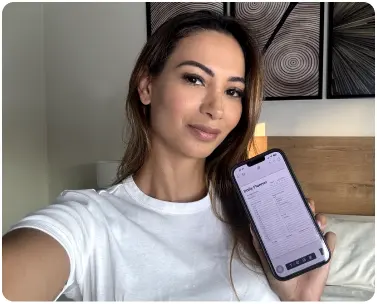
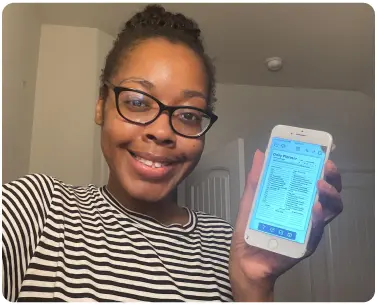
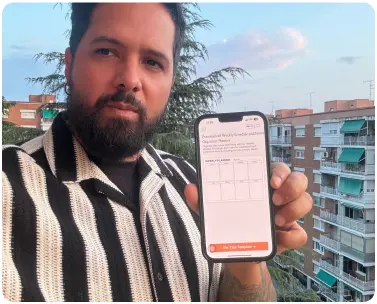
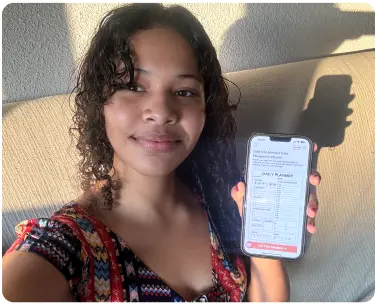
Most people don't struggle with effort; they struggle with structure. Without a clear daily plan, your most important tasks keep getting buried under urgent but meaningless ones. Our productivity planner templates give you a ready-made structure so every day starts with clarity, not confusion.
PlanWiz offers a customizable productivity planner built for real life, not just ideal conditions. Whether you're a student, a working professional, or managing a household, your personalized planner keeps your priorities visible, your tasks organized, and your goals within reach one focused day at a time.
Productivity Planner Templates for Every Goal and Working Style
Not everyone struggles with the same planning problem. That's why a single generic layout rarely works for long. PlanWiz offers productivity planner templates built around the real challenges different people face every day.
- By daily focus: Templates with a priority-first layout that push your top three tasks to the top of the page so you tackle what matters before anything else steals your attention.
- By habit and consistency: A personalized planner with built-in habit tracking sections that let you check progress daily without switching between apps or notebooks.
- By goal alignment: Layouts that connect your daily to-dos directly to a larger weekly or monthly goal, so every task you complete feels like meaningful progress, not just busywork.
- By flexibility: A productivity planner that lets you adjust sections, rename categories, and restructure layouts to match your workflow, not the other way around.
How to Use Productivity Planner Templates to Build a Consistent Daily Habit?
A productivity planner only works when it becomes a habit, not a one-time attempt. Here's a simple daily system that actually sticks:
- Step 1: Set Your Weekly Intention. Every Sunday, open your productivity planner template and write down your three most important outcomes for the week, just the results that will make the week feel successful.
- Step 2: Plan Your Top 3 Each Morning. Before checking your phone, open your personalized planner and pick three tasks that move you closest to your weekly goal. These go at the top, before anything else.
- Step 3: Time-Block Your Priorities. Assign each task a specific time slot in your productivity planner. Tasks without a scheduled time rarely get done.
- Step 4: Do a Midday Check-In. Spend two minutes reviewing your productivity planner templates at midday. Not started yet? Reschedule now, don't push to tomorrow.
- Step 5: Close With a 5-Minute Review. Mark what's done, carry over only what's urgent, and note one win. This habit makes you far more likely to open your customizable productivity planner again tomorrow.
Frequently Asked Questions
Q-1. What is a productivity planner template?A productivity planner template is a pre-structured layout that helps you organize tasks, set daily priorities, and track goals so you focus on doing, not figuring out how to plan.
Q-2. How is a productivity planner different from a to-do list?A to-do list just captures tasks. A productivity planner template helps you prioritize them, assign time, and connect them to bigger goals, turning a list into a real daily system.
Q-3. Who should use the productivity planner templates?Anyone who ends the day feeling busy but unaccomplished. Students, professionals, freelancers, and homemakers all use a personalized planner to build structure and reduce daily overwhelm.
Q-4. Can I customize the productivity planner template?Yes. PlanWiz offers a fully customizable productivity planner adjust layouts, time blocks, and sections to match your lifestyle, whether daily, weekly, or goal-based.
Q-5. How do I stay consistent with productivity planner templates?Keep it simple. Open your planner at the same time every day, plan your top 3 tasks, and do a quick evening review. Small habits make your productivity planner templates something you return to, not abandon.