The Calendar Planner App That Keeps Your Whole Week Organized
Most people don't lose track of their schedule because they're disorganized. They lose it because their schedule lives in five different places at once: one app for work, another for personal, and deadlines floating in their head. PlanWiz is the calendar planner app and calendar maker that fixes this with 1,000+ scheduling templates, smart reminders, and a full weekly view that finally puts everything in one place.
What Is the Best Calendar Planner App in 2026?
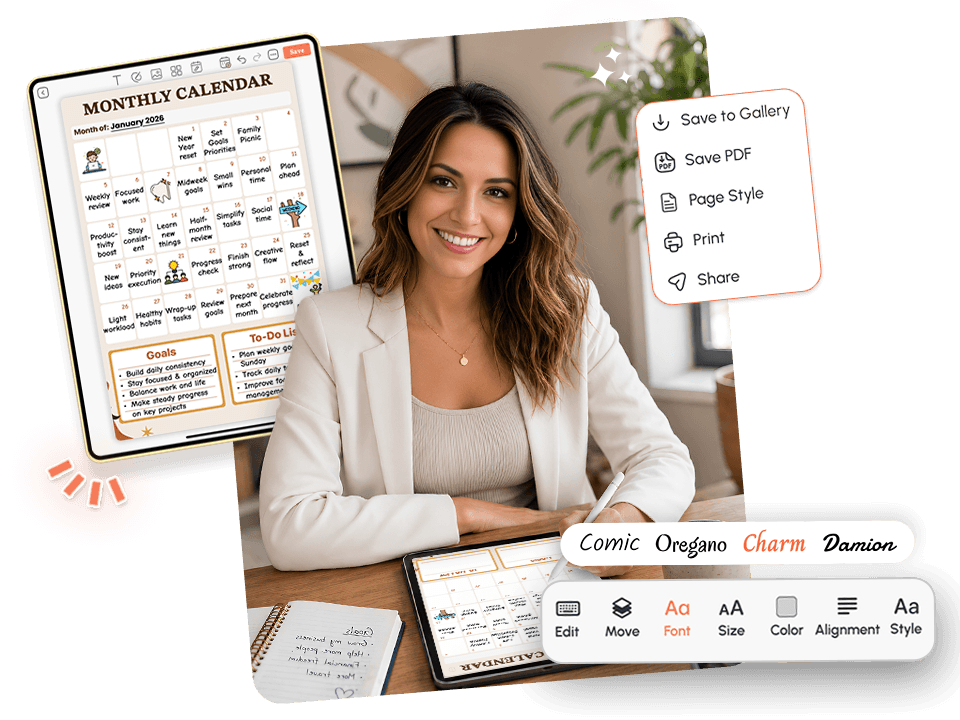
The best calendar planner app in 2026 gives you one clear view of your full week, not scattered across email, phone calendars, and sticky notes. PlanWiz delivers this with 1,000+ schedule planner templates built for daily planning, weekly tracking, and everything in between.
A genuinely effective calendar planner app should:
- Show your full day, week, and month in one clear view
- Connect your schedule to time-blocks, not just store events
- Send reminders when you can actually act on them
- Sync instantly across every device
PlanWiz delivers all of this with 1,000+ customizable planner templates built around how real people actually manage their time, so you spend less time juggling apps and more time staying on track.
Who Is This Calendar Planner App For?
Built for the people that basic phone calendars always leave behindWorking Professionals
Managing back-to-back meetings, project timelines, and personal commitments who need everything in one clear view, not spread across three apps and a notebook.
Students
Juggling class schedules, assignment deadlines, part-time jobs, and a social life who need a reliable weekly calendar planner app that doesn't collapse after the first week of the semester. Study planner templates are always ready when exam season hits.
Freelancers & Side Hustlers
With variable hours and multiple clients who need a scheduling tool that reflects a week that's never the same twice.
Busy Parents
Coordinating school schedules, medical appointments, career demands, and family commitments who can't afford to miss anything. The family planner templates keep everyone's week in one clear view.
People with ADHD
Who need a calendar that works with how their brain actually functions. The ADHD planner app experience inside PlanWiz is built exactly for that.
Anyone Losing Track
Who looks at their phone's default calendar and still feels like they have no idea what their week actually looks like. If your week keeps getting away from you, no matter what you try, this was built for you.
PlanWiz is NOT ideal for: enterprise teams that require shared admin calendars with complex permission structures, or organizations that need deep CRM or project management integration with dependency tracking. For those use cases, a purpose-built enterprise tool is a better fit.
Why Does Every Planning Tool Feel Like Another Thing to Manage?
Most digital planners fail because they help users store their schedule but they don't help them manage it day to day. A useful scheduling tool should connect your commitments to your actual time, surface conflicts before they happen, and adapt when your week goes sideways.
The Scattered Schedule Problem
Your dentist appointment is in your phone calendar. Your work meetings are in Google Calendar. Your gym sessions are in a fitness app. Your deadlines are in your head or your email. None of these talks to each other. Every time you need to answer "do I have time for this?" you're mentally reconciling four different systems and still getting it wrong.
The problem isn't that you're unorganized. It's that your schedule is genuinely split across too many places, and no single view ever shows you the full picture.
The Invisible Conflict
You accept a meeting. You confirm a dinner. You commit to a deadline. All three are on the same evening. None of your apps told you because they weren't talking to each other, and you were adding things in different places at different times. By Thursday, you have three commitments in four hours and no margin for any of them.
Conflicts don't show up when you make them. They show up when it's too late to fix them without disappointing someone.
Reminders That Stopped Working
You turned on notifications for everything. And you've learned to dismiss them without reading them. A reminder that fires at the same time for every event, a flight, a deadline, a pick-up, becomes background noise within days. Your brain categorizes it as something to swipe away, not something to act on. A week planner that lets you set reminders at the moment they're actually useful changes this entirely.
The Rigid Structure That Breaks on Busy Days
Most scheduling apps are built for the week you hoped to have. When the week you actually have arrives, a meeting runs long, a project lands unexpectedly, something urgent comes up at 2 pm, the rigid structure doesn't adapt. You can't see what to shift. The whole plan becomes irrelevant by Tuesday afternoon. And instead of updating it, you close the app and go back to guessing.
Why Does Managing Your Schedule Feel Like a Second Job?
People often lose control of their week, not because they stop caring, but because keeping an accurate mental picture of their schedule while simultaneously living it is genuinely exhausting. This connects to a few well-documented patterns in how the mind handles competing demands.
Present bias makes the task in front of you feel more urgent than the commitment two days away, even when the commitment matters more. Decision fatigue builds up every time you have to figure out what's happening next, which app it's in, and whether it conflicts with something else, and that mental drain happens before any real work even begins.
🧠 Why this matters:Research on external planning systems consistently shows that people follow through more reliably when their schedule is visible, structured, and connected to a single trusted weekly calendar planner app rather than spread across apps, memory, and notes.
PlanWiz is built around this principle. The scheduling templates turn your week into a ready-made daily structure with time-blocks, reminders, and weekly views already built in, so your brain spends its energy on the work, not on reconstructing your schedule from scratch every morning.
How Does a Good Scheduling App Fit Into Your Real Day?
The biggest failure point in weekly planning isn't ambition, it's the gap between a schedule that exists somewhere and a day that actually goes according to plan. Most apps help you store it.
PlanWiz bridges that distance with three connected layers:
1. Full week visibility: On a structured day, use the full weekly layout with time-blocked hours. On a chaotic day, pull up a weekly planner template with three priorities and do what you can. The system bends to your reality; it never demands a perfect week from you.
2. Daily connection: Each commitment connects directly to your daily view, your task planner app workflow, and your reminders. This ensures that what needs to happen today is always visible, not buried two taps deep in a separate app.
3. Flexible recovery: On a structured day, use the full weekly layout with time-blocked hours. On a chaotic day, pull up a minimal view with three priorities and do what you can. The system bends to your reality; it never demands a perfect week from you.
What Makes PlanWiz the Planning Tool People Actually Keep Using?
It wasn't built by taking a generic calendar app and adding a planning layer. It was designed from the ground up for people who need their schedule to be accurate, fast to update, and reliable under pressure.
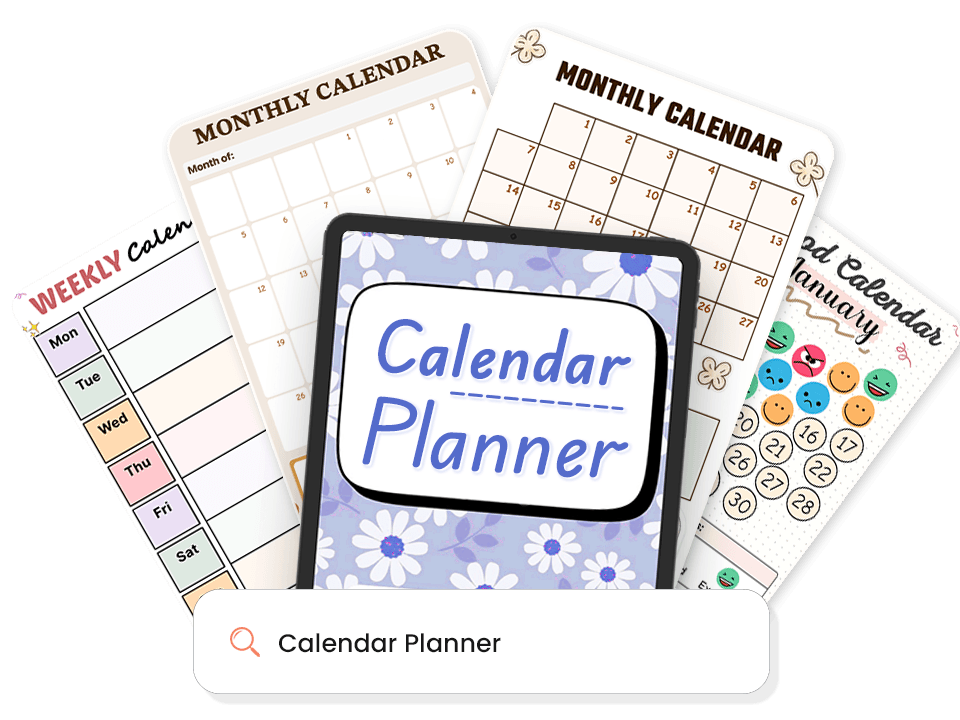
1,000+ Ready-Made Scheduling Templates.
Most calendar apps give you a blank week and leave you guessing. Every PlanWiz template arrives pre-structured, so you start organizing in seconds, not after an hour of setup.
What's always ready for you:
- Daily layouts for single-day focus.
- Weekly layouts for deadline and balance checking.
- Monthly overviews for milestones and travel.
- Time blocking planner templates for hour-by-hour planning.
- Minimal layouts for days when three things are enough.
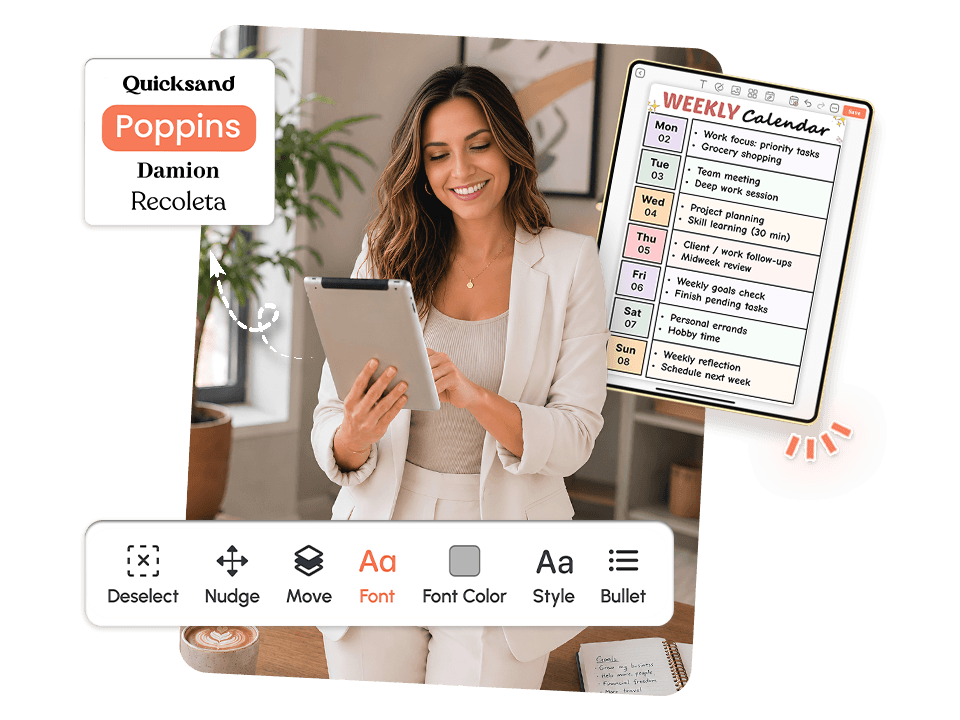
Fully Customizable. Your Schedule Every Single Day.
No two weeks are the same. The system gives you a fully customizable planning experience, so the structure always fits your actual week, not a generic layout built around someone else's routine.
- Change layout, sections, colors, and time-block lengths in minutes
- Go detailed on high-focus days, strip back to essentials when time is short
- No fixed format, no guilt for choosing the simpler view today
- Your schedule bends to your week, not the other way around
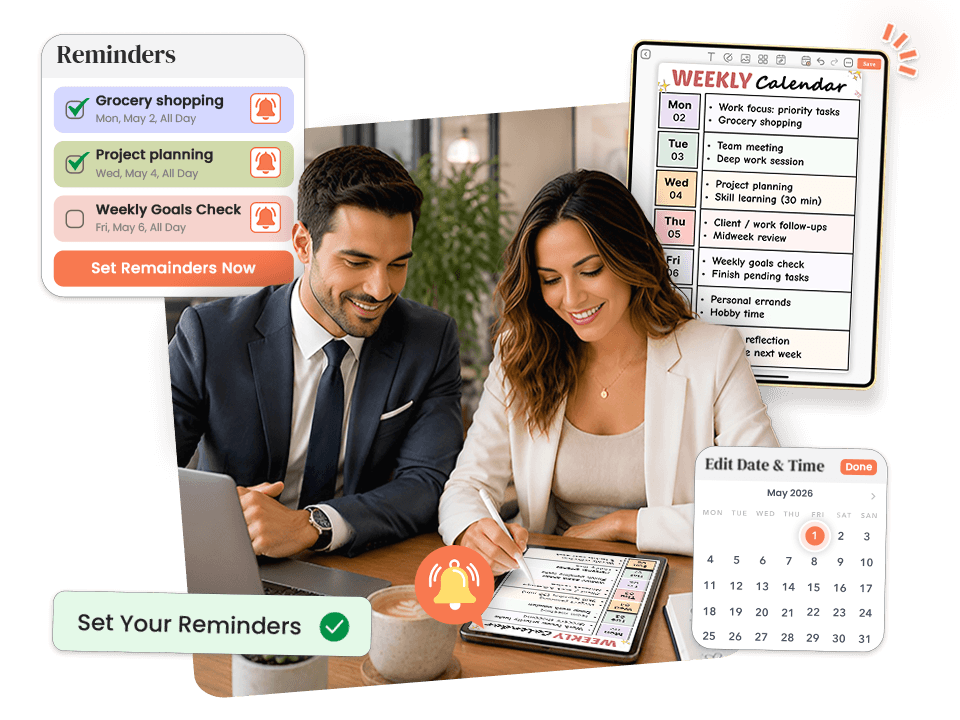
Smart Reminders That Show Up When You Can Act.
You can organize your week perfectly and still miss something if the plan disappears from your awareness the moment you get busy. For most people, out of sight means out of mind, not because they don't care, but because attention is finite and mid-day demands are relentless.
How reminders work inside this tool:
- Set reminders directly on individual events, no separate app needed
- Reminders sit beside the commitment they belong to, so context is never lost
- Customize timing per event: some things need a day's notice, some need five minutes
- Use daily check-in reminders to protect the 60-second morning planning session you'd otherwise skip
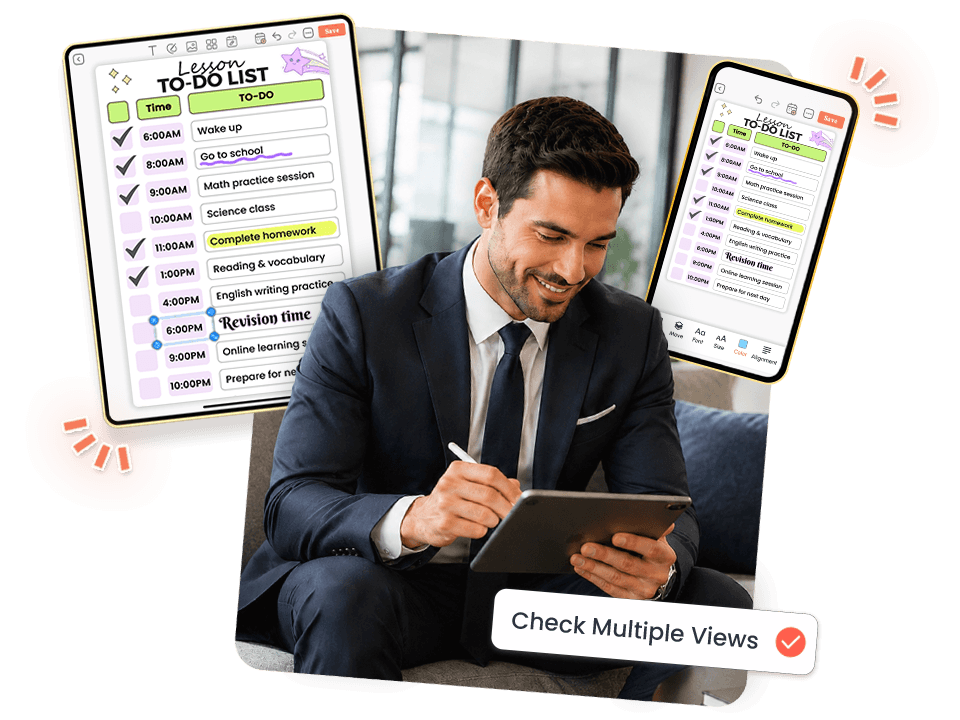
Daily, Weekly, and Monthly Views.
Most people don't need more information about their schedule. They need to see the right information at the right time.
It gives you multiple planning horizons, each designed for a different kind of decision:
- Daily view for hour-by-hour execution
- Weekly view for conflict checking and balance
- Monthly view for milestones and longer commitments.
- Project view for multi-week work.
- Works beautifully as a planner app for iPad, with extra screen space for full weekly layouts and time-blocked daily views
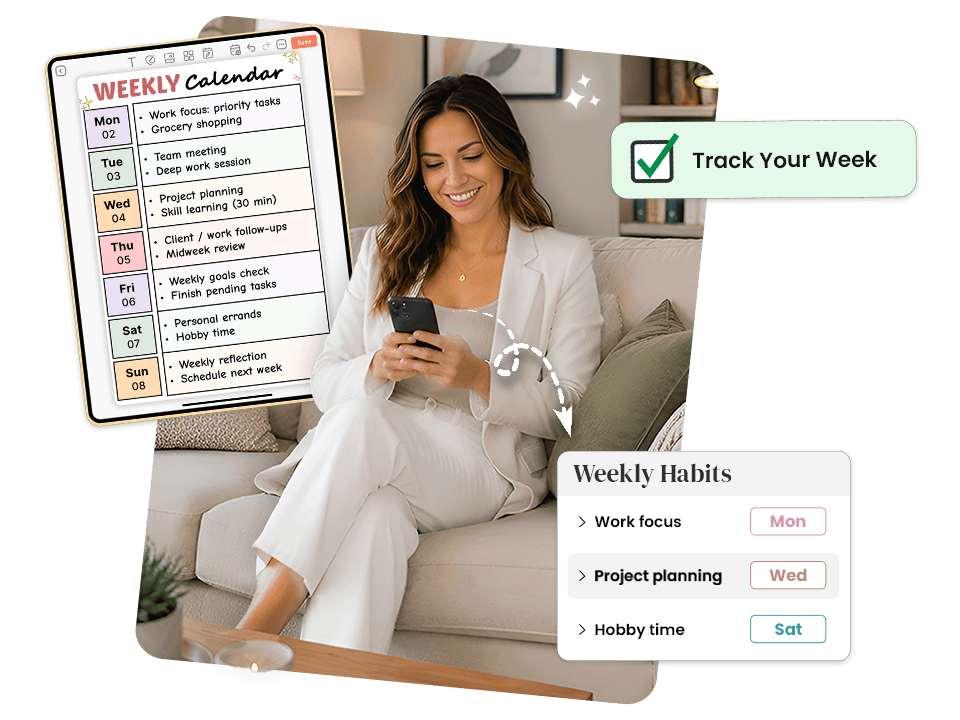
Habit Tracking Calendar Built In.
Your calendar doesn't exist in isolation. The consistency of your morning routine, your planning habits, and your daily rhythms directly affects how well you follow through on your schedule. Most calendar apps ignore this entirely.
- Visual habit tracker app built intoyour daily and weekly views
- Missing a day doesn't reset progress or trigger shame notifications
- Progress shows direction and momentum, not a streak to protect
- Routines and schedules live together, reinforcing each other daily
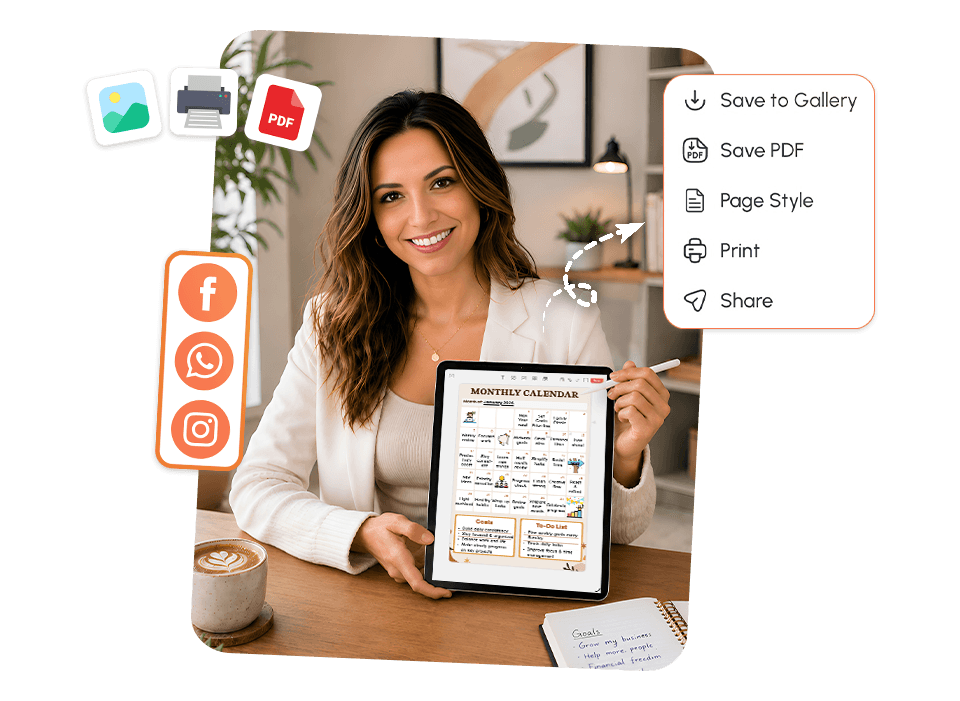
Download Your Calendar Plan and Share.
A schedule that only lives inside an app is one missed notification away from being completely invisible. The most effective scheduling strategies make the plan external, somewhere you can see it, not just somewhere you can look it up.
What you can do with this tool template:
- Download your weekly plan as a PDF, save, file, or print it
- Share your schedule with a manager, partner, coach, or accountability contact in one tap
- Print a daily layout and put it somewhere you actually look throughout the day
- Send your weekly breakdown to a colleague or client without retyping anything
Explore Calendar Planner Templates That Work for Your Schedule
Pick the Template That Matches Your WeekEvery template is pre-structured so your brain never faces a blank page. Browse below and tap any template to explore it.
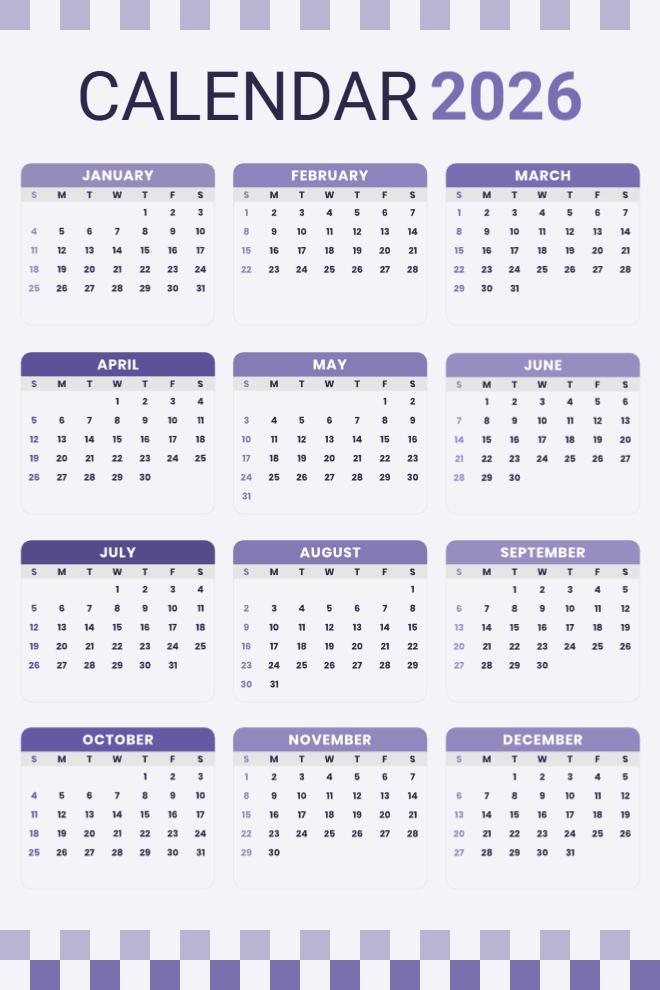
Purple Year-at-a-Glance 2026 Calendar
This purple-themed yearly calendar shows all twelve months of 2026 on one page, making it super easy to see your entire year without flipping through anything. Each month is in its own box with all the dates clearly visible, and the purple color scheme is calming without being too bright. Sundays are highlighted in a different shade so you can quickly spot weekends. The decorative border at the top and bottom adds a nice finishing touch. It's perfect for printing and hanging on your wall or keeping in a planner to reference the whole year. The layout is clean enough that you could even write small notes directly on the dates if you wanted.
Use This Template →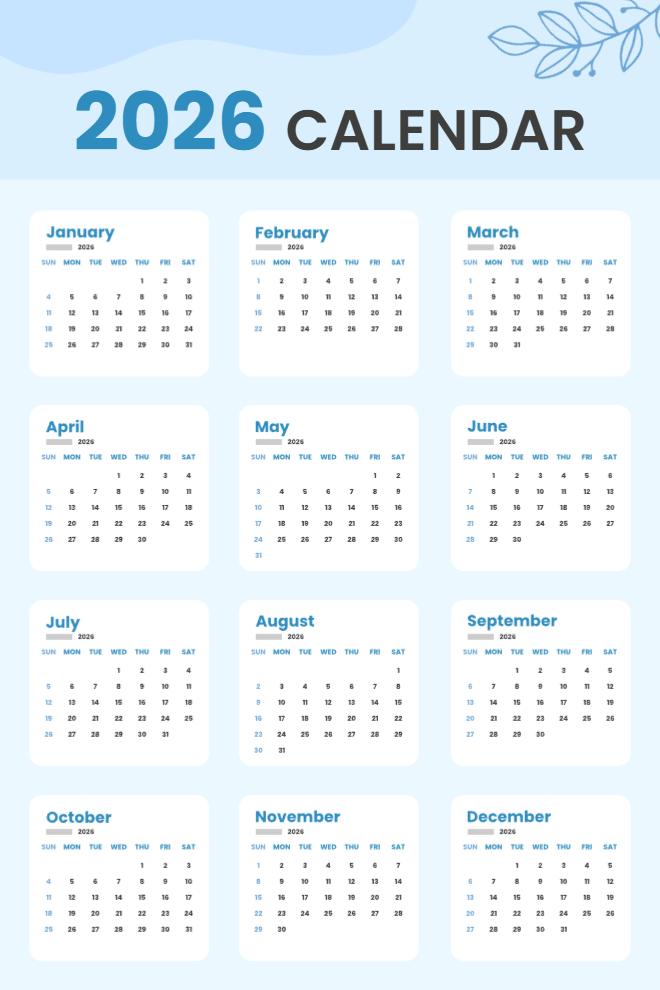
Sky Blue Yearly Calendar 2026
This soft blue calendar with delicate leaf illustrations gives you the full year of 2026 in a clean, airy layout. All twelve months are displayed in individual boxes with plenty of white space, making it easy to read without feeling crowded. The light blue theme is easy on the eyes, and the minimalist botanical touches in the corners keep it from looking too corporate. Each month shows the full week structure, so you can see exactly which day of the week any date falls on. It's the kind of calendar that looks nice enough to frame or pin up somewhere visible.
Use This Template →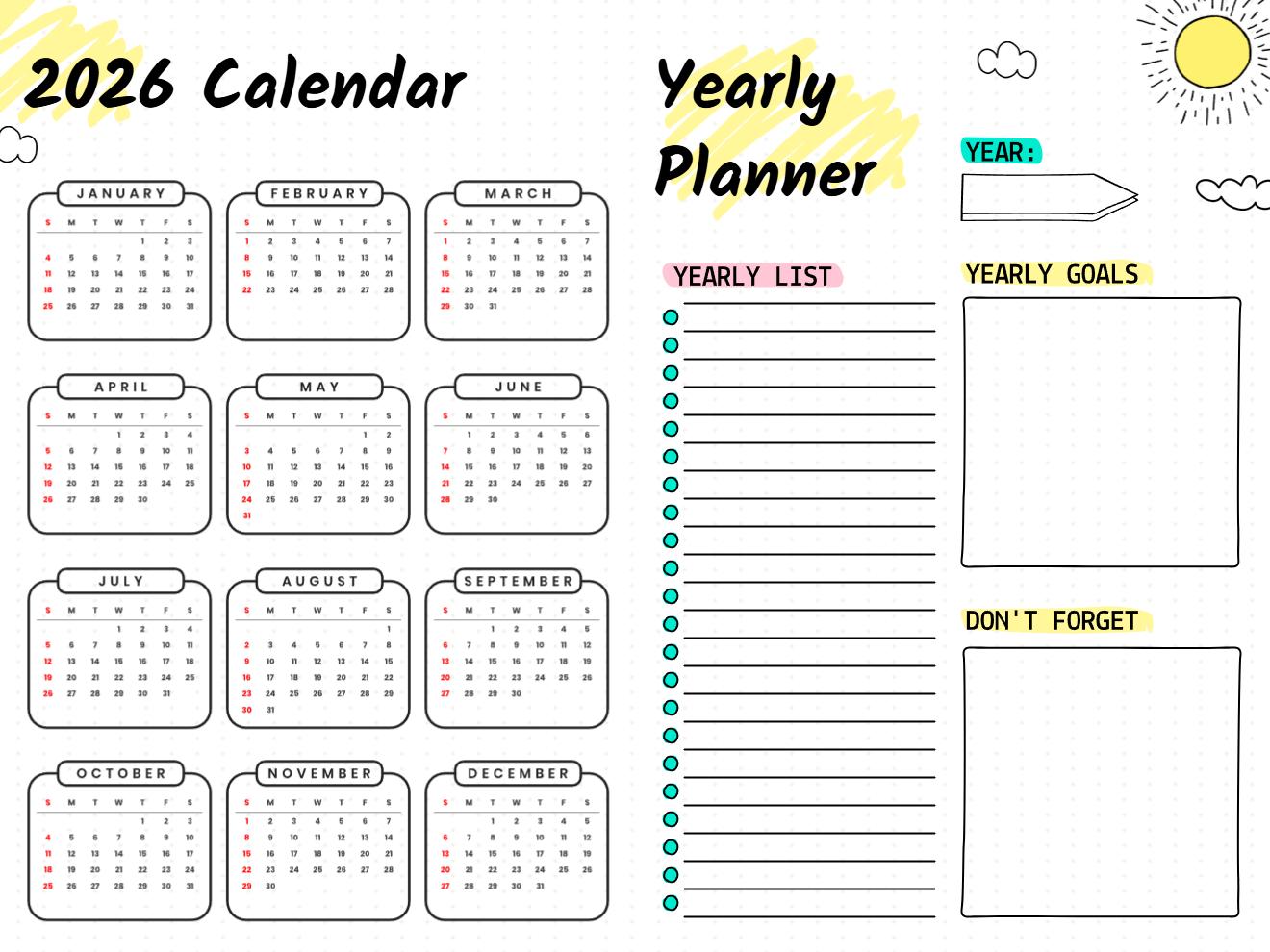
2026 Yearly Planner with Goals and Lists
This bright yellow planner combines a full 2026 calendar on the left with practical planning spaces on the right. You get all twelve months at a glance, plus sections for yearly goals, a yearly to-do list, and a "don't forget" box for those important things that tend to slip your mind. The cheerful yellow highlighter design with sun and cloud doodles makes yearly planning feel less intimidating and more fun. It's actually functional too; having your goals right next to your calendar helps you make sure your schedule actually reflects your priorities instead of just filling up with random commitments.
Use This Template →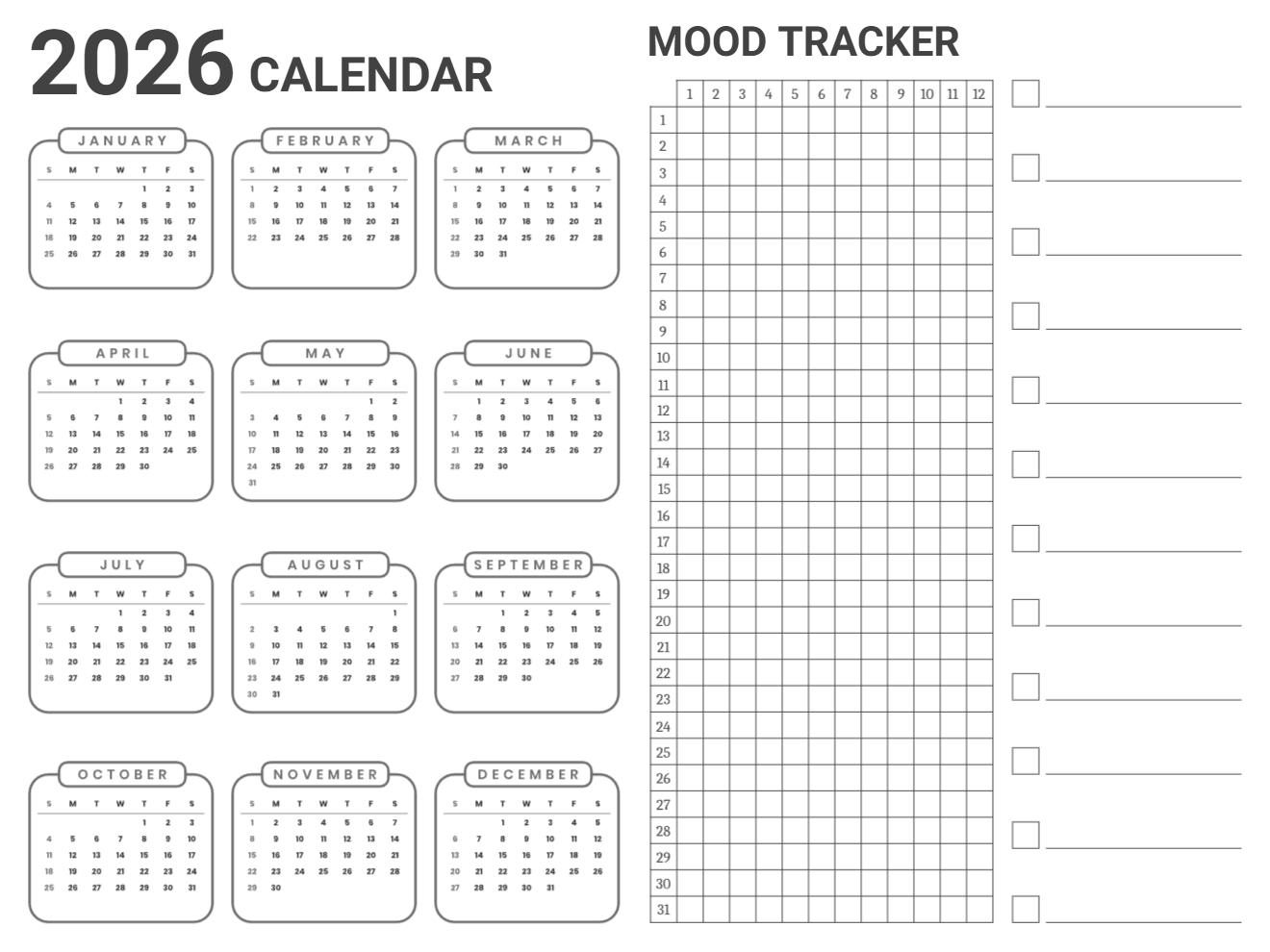
2026 Calendar with Mood Tracker
This minimalist black and white calendar pairs the full year of 2026 with a mood tracking grid that covers all 365 days. The calendar takes up the left side with all twelve months in simple boxes, while the right side has a grid numbered 1-31 running down and 1-12 across the top, letting you color-code or mark your mood for every single day of the year. It's a clever combination that helps you spot patterns between what's happening in your life and how you're feeling. The clean design is printer-friendly, and the lack of color means you can customize the mood tracker however you want.
Use This Template →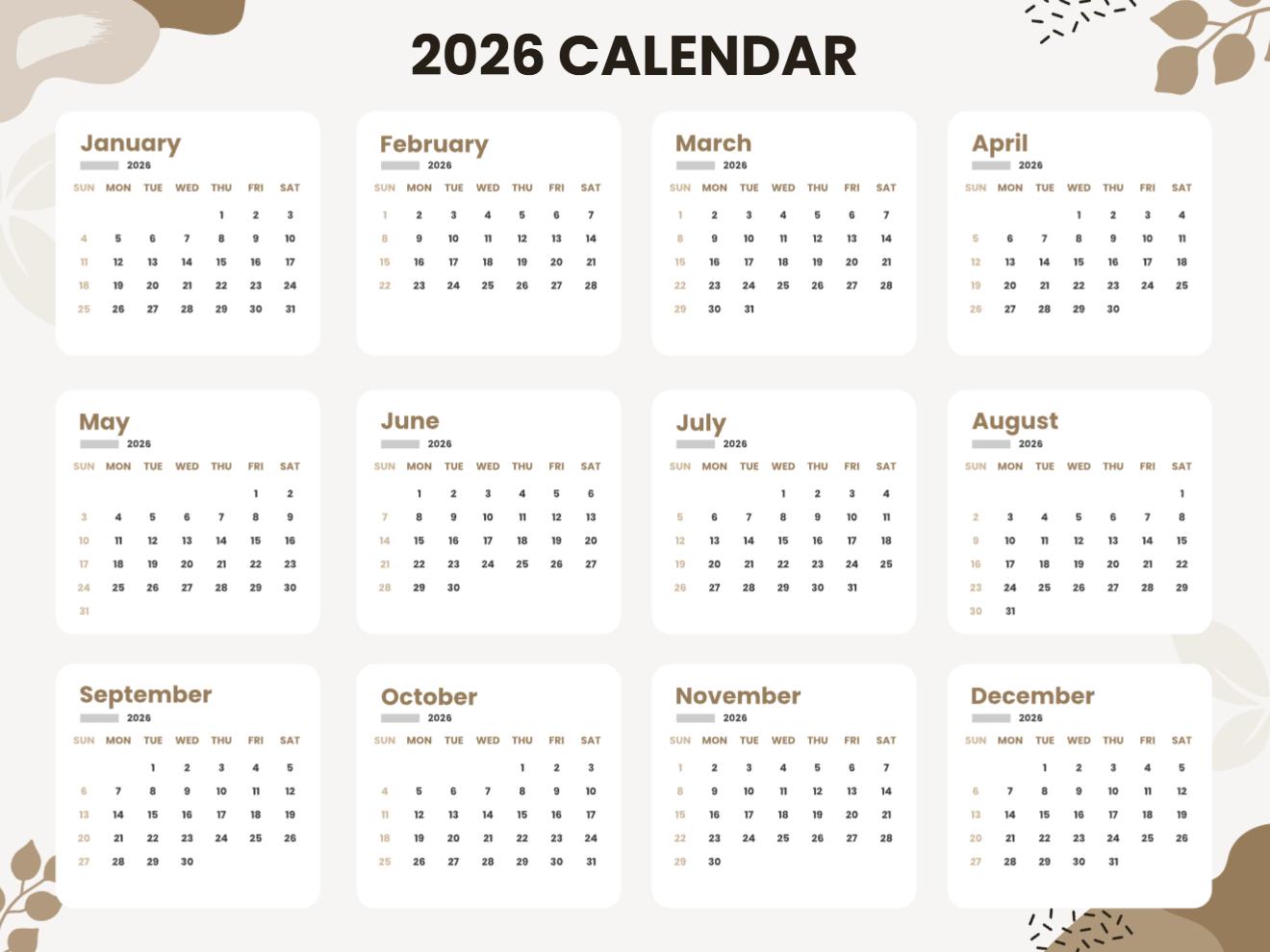
Neutral Aesthetic 2026 Calendar
This warm brown and cream calendar has a really sophisticated, earthy aesthetic with rounded corners on each month box and subtle botanical illustrations in the corners. All twelve months of 2026 are laid out in a grid that's both functional and nice to look at. The neutral color palette works with any decor and won't clash with anything, making it perfect for shared spaces or professional environments. The rounded boxes and organic shapes give it a softer feel than typical calendars with harsh grid lines. It's substantial enough to actually use, but pretty enough that you might just hang it up for the aesthetic.
Use This Template →What Happens When Your Planned Week Falls Apart?
In most scheduling apps, falling behind is punished visually. Missed events turn red. Overdue badges pile up. Every time you open the app, the first thing you see is a summary of everything that didn't happen. So you close it. A rough few days become a permanent break from the system.
That's not accountability. That's a shame spiral waiting to happen.
The app works differently. Miss a day or a week, and you open a fresh template. No red badges. No guilt summary. Just a clean page that says: "Today is a new page. You're still in this." The most consistent planners aren't the ones who never miss a day. They're the ones who know how to come back, with a fresh weekly schedule planner already waiting for them.
"Today is a new page. You're still in this."
How Do You Actually Get Started With PlanWiz?
No lengthy onboarding. No building the perfect system before you're allowed to use it. No importing data from seventeen other apps.
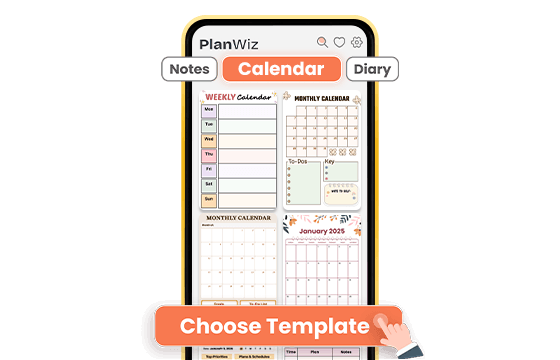
Choose a Template That Fits Your Week
Browse 1,000+ ready-made templates and pick one that matches today, not your ideal week, your actual week. Full time-block layout, minimal weekly view, or a simple daily check-in. The structure is already there. You just show up.
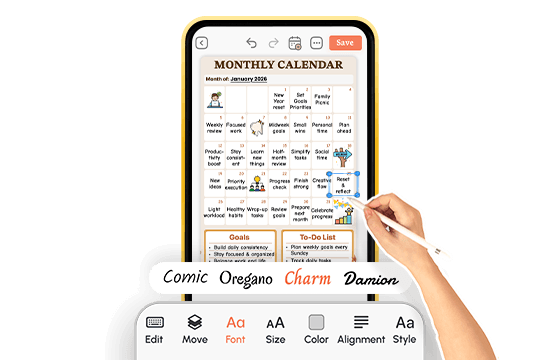
Customize to Fit Your Day, Your Energy, Your Life
Add your commitments, fill in your time-blocks, adjust sections if you want, or use the template exactly as it is. On a structured day, go deep. On a hard day, strip it back to three priorities and do what you can. The system bends to your energy. You never have to rebuild it from scratch.
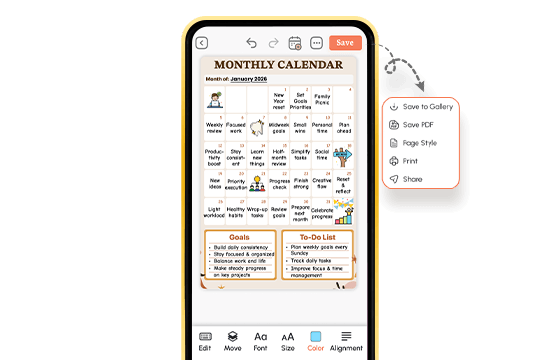
Check In Daily and Stay Accountable
Don't let your plan live only inside an app. Download any page as a PDF, print it, and put it somewhere you'll actually see it. Share your weekly schedule with a coach or accountability partner in one tap. When you miss a week, open a fresh page, no guilt, no starting over, just forward.
A digital planner that's ready before you are.
What Real People Say About This Calendar Planner App?
Ready to Try the Calendar Planner App That Actually Keeps Up With Your Life?
PlanWiz is a calendar planner app built for real schedules, real weeks, and real people who don't have time to manage their planning system on top of everything else they're managing.
Free to start. No credit card. Ready in under three minutes.
Start Free → planwiz.app

Frequently Asked Questions
The best calendar planner app for busy people shows your full week in one place, syncs across devices, and adapts when plans change. PlanWiz covers all of this with 1,000+ scheduling templates, drag-and-drop rescheduling, and a structure built for unpredictable weeks.
A basic phone calendar stores events. A digital calendar planner helps you manage them. PlanWiz adds time-blocking, priority views, and reminders calibrated to actually be useful, so you're not just recording your week, you're in control of it.
The best calendar planner app for students handles both short-term assignments and longer academic timelines in one place. Look for weekly layouts for deadline tracking, daily views for class prep, and templates for exam periods and project planning. The right app works across your phone and laptop and sends reminders before things are due, not after.
Yes. Scheduling stress comes from mentally tracking your week while living it. A good planner app for scheduling moves that load off your brain and into a visible system. Most PlanWiz users report feeling more in control within the first few days of consistent use.
Yes. Daily and weekly views handle this week. Monthly templates and the flow handle milestones and travel. Everything lives in one system; nothing disappears into a separate app you forgot to open.
Start from where you are, not where you wish you were. Open a fresh PlanWiz template, add what still matters today, and move forward. No overdue pile, no shame summary just a clean structure ready to go.
Yes. It works across iOS, Android, and tablets. The iPad layout gives extra space for weekly views and time-blocked schedules. Changes sync instantly, update on your phone, open on your tablet, already there.