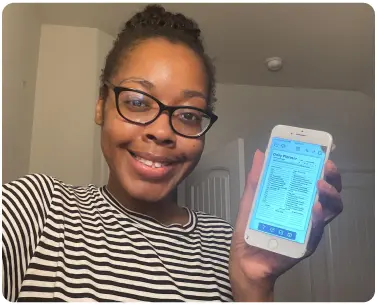
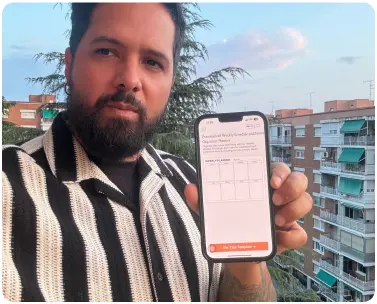
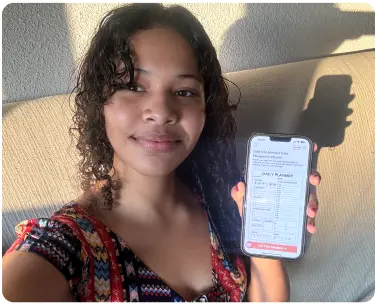
A project planner template is a ready-made structure that organizes everything your project needs: goals, tasks, milestones, and deadlines in one single place. Instead of figuring out how to plan, you simply fill in what you already know and start moving.
A missed deadline. A forgotten task. A goal that quietly disappears under the weight of daily chaos. This is what happens when your project lives in your head instead of a proper plan, and it costs you time, energy, and momentum every single time. Most projects do not fail because of a lack of effort. They fail because there was never a clear structure to follow, and that is exactly where having the right project planner templates makes all the difference from day one.
PlanWiz gives your goals, tasks, milestones, and deadlines one clear, structured home so nothing slips, no matter how busy things get. Not built for corporate teams running complex sprints. Built for freelancers juggling clients, students managing group work, solopreneurs launching products, and anyone whose project has simply outgrown their mental to-do list. Pick a template, fill it in, and start moving.
Project Planner Templates for Every Type of Project You Are Running
Every project comes with its own shape and pressure. That is why PlanWiz project planner templates are built around real situations, real people actually face, not just generic categories.
- Freelancers and Independent Professionals: A dedicated project plan organizer gives each client their own space, tasks, deadlines, and progress tracked separately, so nothing bleeds into the wrong project.
- Students and Academic Projects: A shared project planner template defines responsibilities upfront so the whole team stays aligned without endless back-and-forth messages.
- Small Business Owners and Solopreneurs: A free project plan template keeps every step visible and ensures things happen in the right order, no missed launches, no forgotten tasks.
- Personal and Home Projects: A weekly project planner breaks everything into focused weekly actions, so you always know exactly what to tackle next.
How to Use PlanWiz Project Planner Templates to Plan Any Project?
Setting up your project planner template is straightforward and takes under five minutes.
- Browse and Pick a Template. Open the PlanWiz project planner templates collection and choose the layout that fits your project best: a detailed task tracker for complex work or a clean weekly project planner for anything you want to manage week by week.
- Open It in the Editor. Click "Start Planning" on your chosen template to open it in the drag-and-drop editor. No account setup required to begin.
- Set Your Goal and Milestones. Write your project goal and break it into milestones, the checkpoints that mark real progress. This is the backbone of your free project plan template and keeps the result visible even when daily tasks pile up.
- Add Tasks With Deadlines. List every action needed to hit each milestone, assign a deadline to each one, and note who is responsible. This step alone turns a vague idea into an actual project plan organizer you can act on immediately.
- Save or Download. Save your planner to access it from your phone anytime, or download it as a printable PDF to keep at your desk.
Frequently Asked Questions
Q-1. How do I set realistic deadlines in a project planner template?Work backwards from your final deadline. Identify each milestone, assign buffer time between them, and if one milestone has more tasks than a week realistically allows, adjust the deadline before the project even starts.
Q-2. How does a weekly project planner help with long projects?It breaks an overwhelming timeline into focused 7-day actions. Each week, you only focus on what must happen next, building momentum without the paralysis of staring at a 3-month plan.
Q-3. Can project planner templates be used for both short and long-term projects? Yes. Short projects need a simple task list with deadlines. Long-term projects need milestones and a weekly project planner view so you can zoom in week by week without losing sight of the end goal.
Q-4. How do I prioritize tasks inside a project planner?Tasks that move you toward the next milestone go first. Urgent but low-impact tasks get scheduled. Everything else gets removed. A good project plan organizer makes this visible so you always work on what actually matters.